Customer books
Route, customer, vehicle, trip options and fare information enter the reservation.
New booking automation
Turn completed taxi reservations into a professional customer invoice without copying journey and fare details by hand. Send it automatically after booking or prepare and resend it later from the administration area.
One connected workflow
The invoice workflow uses information already captured during the taxi booking, helping your team reduce repeated administration.
Route, customer, vehicle, trip options and fare information enter the reservation.
The reservation appears in the dashboard with the details your team needs.
The professional invoice is generated around the stored customer and journey data.
Send automatically after booking or create and resend the invoice later.
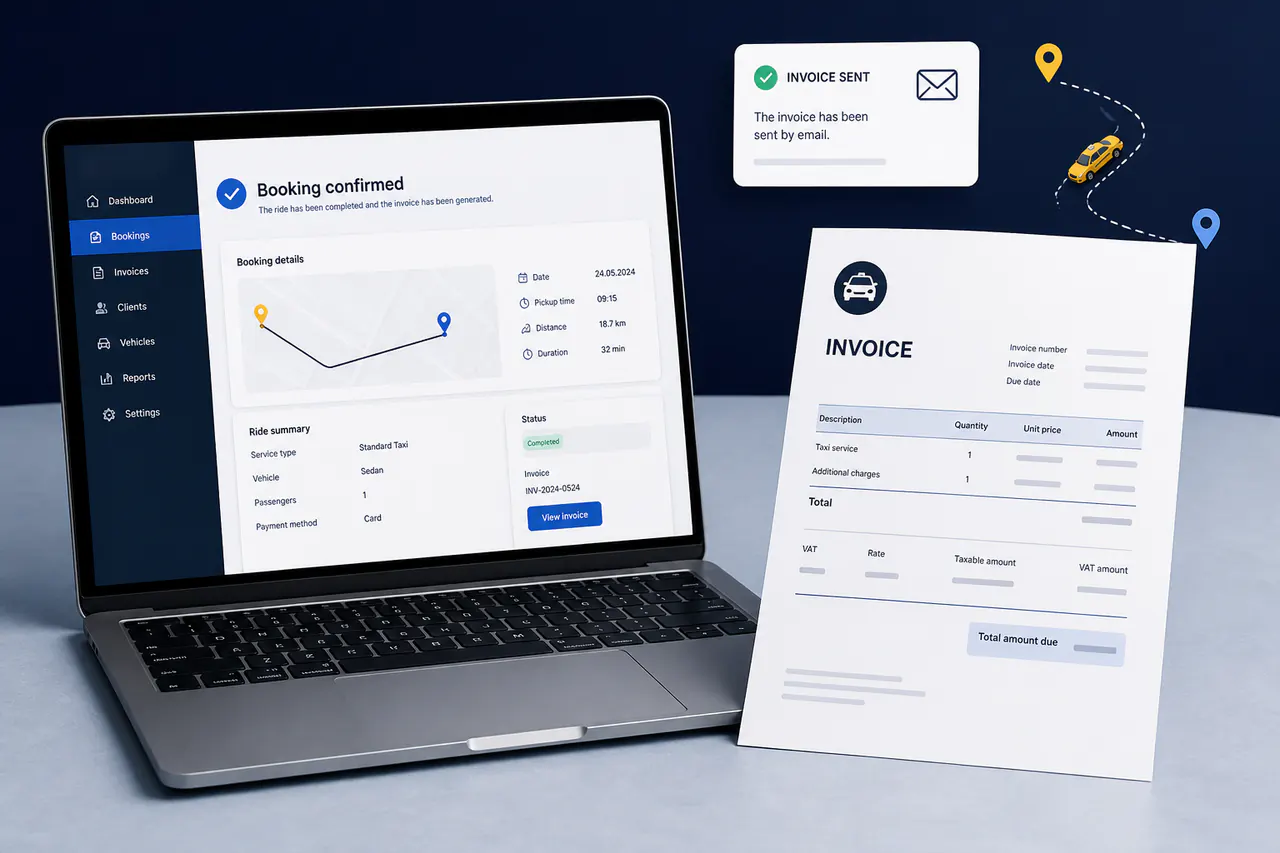
Use an automated post-booking process when you want the customer to receive the invoice without a separate manual step.
Your team can prepare or resend an invoice from the administration workflow when the booking needs to be reviewed first.
Customer, journey and fare details stay connected, reducing the chance of mistakes caused by copying information between systems.
Information on the invoice
The invoice can use the important information collected in the booking process. That gives the customer a clear connection between the reserved taxi ride and the amount charged.
An invoice workflow makes the complete product more useful for taxi companies that want bookings and customer administration in one place.
Why it matters
A booking system should continue helping after the customer presses the confirmation button.
Reduce the number of separate steps between booking confirmation and invoicing.
Use information already recorded instead of retyping routes, fares and customer data.
Give passengers a clear document connected to the reservation they placed.
Keep the invoice action close to the booking information in the administration workflow.
Quick answers about the new invoice system.
It can be sent automatically after a booking. Your team can also create or resend it later when a reservation needs a manual check.
No. It supports customer invoicing connected to taxi bookings. Your accountant and your own accounting process remain responsible for bookkeeping, tax declarations and statutory checks.
Yes. The administration workflow is designed so the team can prepare or resend an invoice later when needed.
The current Taxi Booking Script product includes the invoice workflow. The €1,000 taxi website package includes the booking system, so it uses the same booking and invoice capabilities.
Check company details, tax requirements, numbering policy, customer information and the final invoice layout before sending live invoices.
Buy Taxi Booking Script for €450, or choose the complete responsive taxi website with the booking system included for €1,000.